 How-to
Fix Chronic Neck Pain From Desk Work: A Step-by-Step Guide
Table of Contents
- Understand Why Desk Work Causes Chronic Neck Pain
- Set Up an Ergonomic Workstation Setup for Neck Pain Relief
- Implement Stretches for Tech Neck Relief Throughout Your Day
- Take Micro-Breaks and Build Movement Into Your Workday
- When to Seek Chiropractic Care for Chronic Neck Pain
- Address Muscle Imbalance and Posture Alignment
- Create a Sustainable Long-Term Plan
- Frequently Asked Questions
Last Updated: September 21, 2026
Understand Why Desk Work Causes Chronic Neck Pain
Chronic neck pain desk work develops from sustained static posture. Your neck muscles work constantly to hold your head up against gravity, creating tension and strain over time.
A low or distant monitor forces forward head posture, stressing your cervical spine and accelerating muscle fatigue.
Tech neck occurs when your head tilts forward repeatedly. A 15-degree tilt adds about 27 pounds of extra force to your neck, a load it wasn't designed to sustain for eight hours.
Most cases improve once you address the root cause, not just the pain itself.
Set Up an Ergonomic Workstation Setup for Neck Pain Relief
Your workstation is the foundation. Get this right, and your neck pain often improves without additional treatment.
Monitor and Screen Positioning
Position your monitor so the top of the screen is at eye level, with your eyes looking slightly downward at the center. This maintains neutral spine alignment.
Place your monitor about an arm's length away (20-26 inches). Too close or too far forces compensatory posture.
Elevate laptop screens to eye level using a stand, then add an external keyboard and mouse to prevent forward head posture.
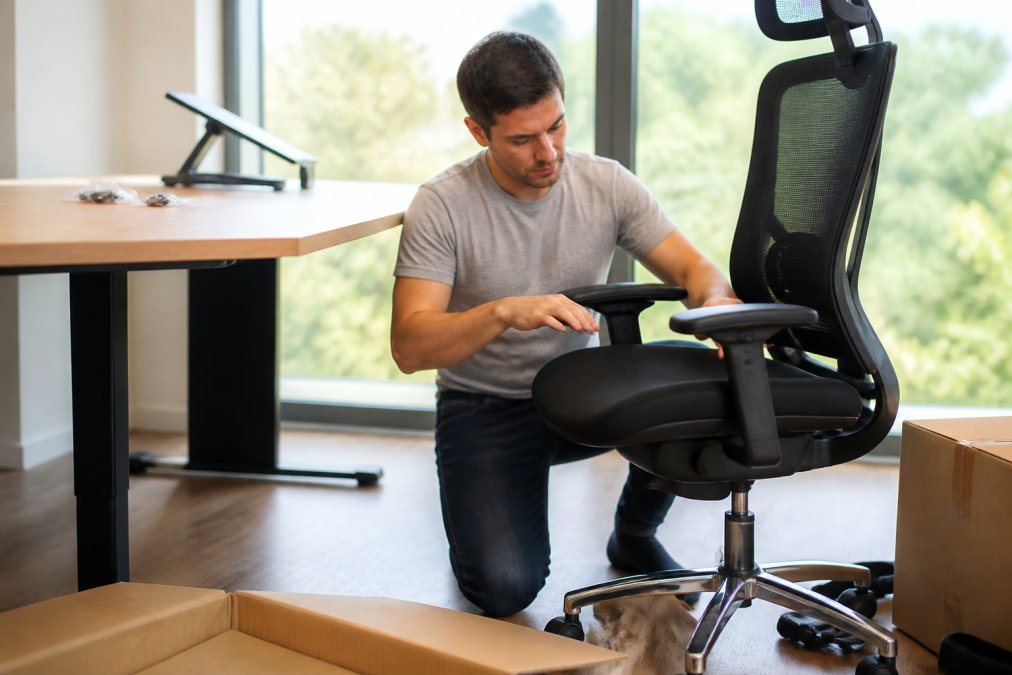
Chair and Desk Height Adjustment
Adjust chair height so your feet sit flat on the floor, thighs are parallel to the ground, and elbows are at 90 degrees when your arms rest on the desk.
Ensure lumbar support so your lower back touches the chair's backrest, maintaining your spine's natural curve.
Align desk height with your elbows at 90 degrees to prevent shoulder strain radiating into your neck.
Keyboard and Mouse Placement
Keep keyboard and mouse directly in front of you. Reaching to the side twists your trunk and neck, creating repetitive strain.
Keep wrists neutral using an ergonomic keyboard or mouse pad with wrist support.
Implement Stretches for Tech Neck Relief Throughout Your Day
Stretches reduce tension and restore range of motion when paired with proper workstation setup.
Neck and Shoulder Stretches
The chin tuck strengthens muscles that fight forward head posture: sit upright, gently pull your chin back, hold five seconds, repeat 10 times.
For upper trapezius: sit upright, tilt your right ear toward your right shoulder, hold 20 seconds, repeat three times per side.
Shoulder blade retraction builds posture strength: pull shoulder blades back and down, hold three seconds, repeat 15 times to counteract rounded shoulders.
Thoracic Mobility Exercises
Thoracic stiffness forces neck compensation. For thoracic rotation: sit upright, cross arms over chest, rotate torso right and left, hold 20 seconds per side, repeat three times.
Cat-cow stretch restores mid-back movement: on hands and knees, alternate between arching your back (looking up) and rounding your spine (tucking chin), 10 repetitions.
Take Micro-Breaks and Build Movement Into Your Workday
Sitting for eight hours straight causes muscle fatigue, decreased blood flow, and tension buildup. The solution is structured micro-breaks embedded into your workday.
The 30-Second Desk-Side Micro-Break Protocol
Set a timer for every 30 minutes. When it goes off, perform this sequence without standing up:
Minute 0-10 seconds: Neck Release Sit upright. Slowly drop your right ear toward your right shoulder. Do not force it. Hold for five seconds. Return to center. Repeat on the left side. This releases tension in your upper trapezius, the muscle that tightens first during sustained desk posture.
Seconds 10-20: Shoulder Blade Retraction Pull your shoulder blades back and down as if pinching a pencil between them. Hold for three seconds. Release. Repeat three times. This activates the muscles that counteract rounded shoulders and forward head posture.
Seconds 20-30: Thoracic Rotation Cross your arms over your chest. Rotate your torso to the right, looking over your shoulder. Hold for three seconds. Return to center. Rotate left. Repeat once more per side. This restores mobility in your mid-back, which compensates when your thoracic spine stiffens.
This 30-second routine takes less time than checking email. Over an eight-hour workday, you're investing four minutes total in movement. That small investment prevents the cumulative tension that builds from sustained posture.
Why Frequency Matters More Than Duration
Muscle fatigue accumulates over time, not intensity. Frequent, brief movement interrupts the fatigue cycle before it compounds, allowing muscles to relax and posture to reset.
Escalate to Longer Movement Breaks When Possible
Every two hours, take a two-minute walking break to rest seated muscles. If this is difficult, the 30-second desk-side protocol becomes your primary movement intervention.
A standing desk converter allows alternating between sitting and standing, distributing load across muscle groups. If not feasible, the micro-break protocol is your primary tool.
Track Compliance to Build the Habit
Set a recurring 30-minute timer labeled "Neck Reset" on your phone or computer. The visual reminder prevents drifting into extended uninterrupted sitting.
After two weeks of consistent micro-breaks, the routine becomes automatic and you'll notice reduced neck tightness and improved posture stability.
When to Seek Chiropractic Care for Chronic Neck Pain
Some cases need professional evaluation. Knowing when to seek help prevents worsening and avoids unnecessary delays.
The Two-Week Rule and Progressive Assessment
Start with home care for two weeks: ergonomic adjustment, stretching twice daily, and micro-breaks every 30 minutes. Most desk-related neck pain responds within 10-14 days.
If pain is unchanged or worsening after two weeks, schedule a physician appointment. Prolonged pain without assessment increases risk of chronic pain.
Red Flags Requiring Immediate Professional Evaluation
Some symptoms warrant professional care sooner than two weeks. Seek evaluation immediately if you experience any of the following:
Neurological Symptoms: Pain that radiates down your arm or into your hand suggests nerve involvement. Numbness or tingling in your fingers, hand, or forearm indicates compression of a nerve root. Weakness in your grip, arm, or hand, such as difficulty holding a pen or lifting objects, points to nerve damage. These symptoms require imaging (typically X-ray or MRI) to rule out disc herniation or nerve compression.
Severe or Unusual Pain: Severe headaches that originate in your neck or base of your skull may indicate cervical spine involvement. Pain that wakes you at night despite position changes suggests inflammation beyond simple muscle tension. Pain that is constant and unrelenting, rather than activity-dependent, warrants professional assessment.
Balance and Neurological Changes: Dizziness or vertigo linked to neck movement or position can indicate issues with cervical spine alignment affecting blood flow to the inner ear.
Choosing the Right Healthcare Provider
Primary Care Physician (MD or DO): Start here if you have neurological symptoms, severe pain, or pain lasting more than two weeks. Your primary care doctor can order imaging, rule out serious conditions, and refer you to a specialist if needed. They also manage any underlying conditions (such as arthritis or disc disease) that may contribute to your pain.
What Integrated Care Can Address
Once serious conditions are ruled out, integrated care combining multiple approaches often works best. Manual adjustments or manipulation restore proper alignment to your cervical spine. Massage therapy releases muscle tension that stretches alone cannot fully address. Strengthening exercises build the endurance needed to maintain good posture throughout your workday.
When to Pause or Stop Home Care
If home care is making your pain worse, stop and seek professional evaluation. Pain that increases with stretching or micro-breaks may indicate an underlying condition that exercise aggravates. Similarly, if your pain is severe enough to interfere with sleep, work, or daily activities, do not rely on home care alone.
Address Muscle Imbalance and Posture Alignment
Desk work creates muscle imbalances: tight chest, weak upper back, overworked neck. Fixing these prevents pain from returning.
Create a Sustainable Long-Term Plan
Fixing chronic neck pain requires consistency. Create a plan you can actually follow.
| Strategy | Frequency | Time Needed | Best For |
|---|---|---|---|
| Ergonomic setup adjustment | One-time | 30 minutes | Preventing future pain |
| Neck and shoulder stretches | Every 2 hours | 2 minutes | Reducing daily tension |
| Micro-breaks with movement | Every 30 minutes | 2 minutes | Maintaining posture throughout day |
| Thoracic mobility exercises | Daily | 5 minutes | Restoring mid-back function |
| Professional chiropractic care | As needed | Varies | Addressing root cause when home care insufficient |
OSHA guidelines on ergonomic workstation setup
American Chiropractic Association resources on tech neck prevention
Frequently Asked Questions
When should I see a chiropractor for neck pain from desk work?
See a chiropractor if your neck pain persists beyond two weeks, limits your range of motion, or doesn't improve with ergonomic adjustments and stretches. Seek immediate evaluation if you experience numbness, tingling, or weakness in your arms or hands, as these may indicate cervical nerve involvement. A qualified professional can assess whether your chronic neck pain stems from muscle tension, vertebral misalignment, or repetitive strain and recommend appropriate treatment.
What's the difference between tech neck and other types of chronic neck pain?
Tech neck, or forward head posture, develops from prolonged desk work and device use, creating muscle imbalance where front neck muscles tighten while posterior neck muscles weaken. This specific pattern causes tension headaches, shoulder blade dysfunction, and cervical strain. Other neck pain may result from injury, arthritis, or different postural habits. Identifying the cause helps target treatment, tech neck typically responds well to ergonomic correction, targeted stretches, and posture retraining combined with professional care.
How long does it take to fix chronic neck pain from desk work?
Timeline varies based on pain severity and how long you've had symptoms. Mild cases may improve within 2-4 weeks with ergonomic changes and consistent stretching. Chronic pain lasting months or years typically requires 6-12 weeks of combined treatment including professional care, daily exercises, and workplace modifications. Results depend on your commitment to posture alignment, regular movement breaks, and addressing underlying muscle imbalance. A personalized treatment plan from a qualified provider can give you a more specific timeline based on your condition.
Can ergonomic setup alone fix chronic neck pain from desk work?
Ergonomic workstation setup is essential but often not sufficient alone for chronic pain. Proper monitor height, chair adjustment, and keyboard positioning prevent further damage and reduce tension, but established muscle imbalance, cervical strain, and postural dysfunction require active treatment. Combining ergonomic fixes with stretches, movement breaks, and professional care like chiropractic therapy and massage addresses both the cause and existing tissue damage, delivering faster, more complete relief than setup changes alone.